
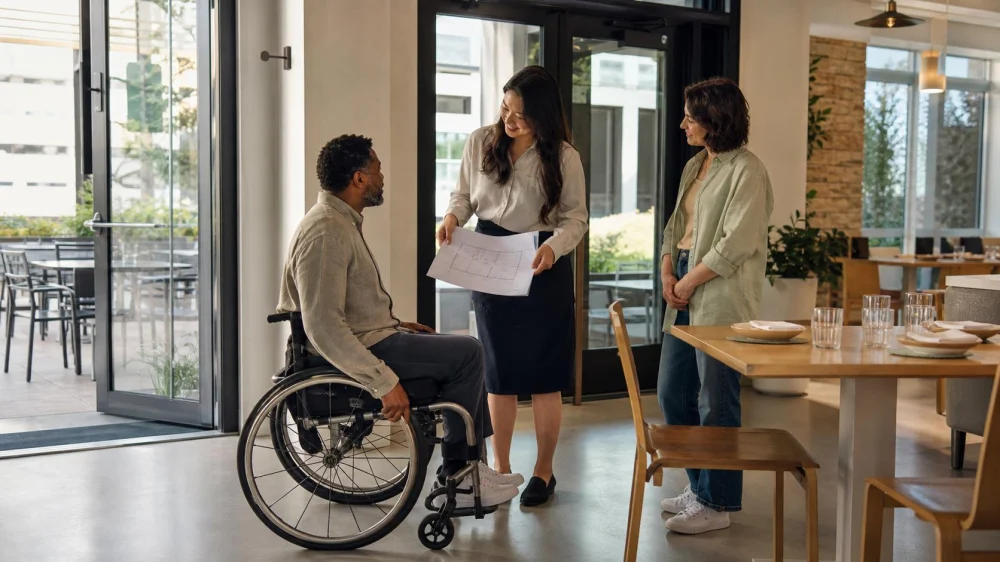
Restaurant Accessibility Check: Entrance, Seating, and Restroom
Table of contents
Quick answer: Call the specific restaurant location and describe the access needed rather than asking only, “Are you accessible?” Trace the entire visit: parking or drop-off, entrance, host stand, table, buffet or counter, restroom, payment, and exit. Ask about steps, door operation, aisle clearance, table type, movable chairs, restroom layout, menu format, communication, service animals, and temporary barriers. Add the details to the reservation and reconfirm.
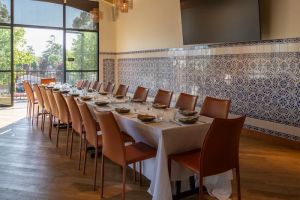
Copita Tequileria y Comida
San JoseSanta Clara CountyCalifornia
1098 Lincoln Ave, San Jose, CA 95125, USA
Describe the access needed for this visit
Needs are individual: step-free routes, suitable tables, short distances, device storage, menu or navigation help, and effective communication can matter. Ask for relevant features without requiring an unnecessary diagnosis.
Contact the actual location and verify current conditions. Renovation, patio setup, weather, deliveries, broken lifts, furniture, or events can change a route.
Restaurants are covered public accommodations under ADA Title III. ADA.gov's overview discusses physical access, policy modifications, communication, and service animals. Local rules may add requirements; this checklist gathers facts, not legal conclusions.
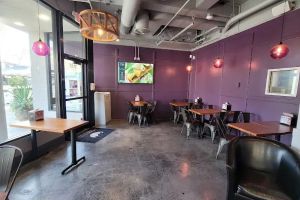
Trace the route from arrival to table
Ask about parking, curb cuts, surface, slope, drop-off, valet, garage elevators, and door distance. If the accessible entrance is separate, confirm how to find and unlock it.
Trace sidewalk, door, threshold, host stand, dining room, patio, lift, counter, buffet, and exit. Ask about steps, turns, doors, mats, thresholds, and temporary obstacles. A step-free entrance does not prove later routes.
If a lift or automatic door is essential, verify operation and trained staff. Get an entrance contact number. Do not assume companions provide lifting or transfers.
Confirm seating and aisle conditions
Ask about standard-height tables, movable chairs, knee and foot space, approach turns, and mobility-device room. High tops and fixed booths may not work.
Reserve the usable table, not just a generic note. Check group setup and leg clearance. Store mobility devices as the diner directs and never move them without permission.
Check buffet, beverage, payment, and patio routes. Ask how staff assist with unreachable self-service areas. Keep aisles clear of furniture, bags, heaters, plants, and cords.
Check restroom access and features
Confirm whether the restroom is inside and on a step-free route. A shared facility may be elsewhere. Check distance, floor, elevator, hours, and key or code.
Ask about door, room type, turning and transfer space, grab bars, toilet, sink, supplies, privacy lock, and obstructions. Seek a usable description, not a casual compliance certification.
If personal assistance is needed, decide who provides it and whether the room fits. Ask about single-user options for privacy or caregiver access.
Plan communication, menus, and service
Ask about accessible web, large-print, plain-text, screen-reader-compatible, or staff-read menus. QR-only service may not work; request an alternative.
Plan effective reservation, ordering, announcement, and payment communication. Reduce noise, use good lighting, and provide writing when requested. Do not default to a companion as interpreter.
For a service animal, request safe floor space without isolation. Keep pet policies separate, and follow applicable service-animal law and policy.
Reconfirm and prepare a backup
Add verified details and requested modifications to the reservation. Record the contact, date, entrance instructions, table, restroom, communication method, and who will brief the shift manager. Reconfirm close to the visit, especially for patios, lifts, construction, weather, or special events.
On arrival, inspect the route without moving another person's device or touching them. If the promised setup is unavailable, ask the manager for an effective alternative. Keep a backup restaurant, takeout plan, transportation option, and essential medication or equipment plan as appropriate.
Frequently asked questions
Is “wheelchair accessible” enough information?
No. Ask about the complete route, table, restroom, doors, temporary obstacles, and the user's specific needs.
Can the restaurant require a wheelchair user to sit at one table?
Seating facts and legal obligations depend on the facility and circumstances. Ask about comparable choices and use ADA or legal resources for a dispute.
Should I send mobility-device dimensions?
Only when useful and with the user's consent. Staff should describe the space; exact dimensions can help compare tight turns or table clearance.
What if the elevator or lift is broken?
Ask for a safe step-free alternative and expected repair information. Do not let untrained staff carry a person or occupied mobility device.
Next steps
Write the specific access features needed, call the location, and trace arrival, entrance, table, service points, restroom, payment, and exit. Add confirmed arrangements to the reservation, save the contact, and reconfirm current conditions. If an important feature cannot be verified, choose a backup before traveling rather than testing the full route at the door.




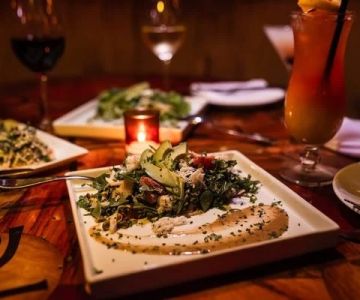
 Amami Shima Sushi4.0 (650 reviews)
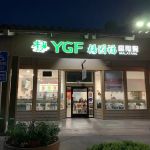 YGF Malatang Noodles & Pots - Cupertino4.0 (195 reviews)
 Pasta Ciao Amore4.0 (24 reviews)
 Big Basin Burger Bar4.0 (873 reviews)
 Mayflower Seafood Restaurant3.0 (1295 reviews)
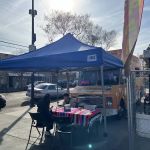 Spartan Taco Truck4.0 (41 reviews)
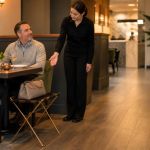 Restaurant Bag Storage: Keep Aisles Clear and Items Secure
 Top Cafes for Breakfast in New York
 Best Restaurants Open Late at Night in NYC
 Restaurant Hours vs Kitchen Hours: What to Confirm
 Top Places to Satisfy Your Midnight Cravings with Healthy Late-Night Dining
 How to Discover Restaurants Open Now with More Than Just Basic Menu Items | Foodie Finder